
ESBE 2G Shaders
MCPE 1.8.0 - 1.21.93
Version MCPE 1.8.0 - 1.21.93 for Android/iphone/ipad Get it for free!
Released on
2022-02-17
2022-02-17
Updated
2022-02-17
2022-02-17
Version
MCPE 1.8.0 - 1.21.93
MCPE 1.8.0 - 1.21.93
Report this app
Images
Description
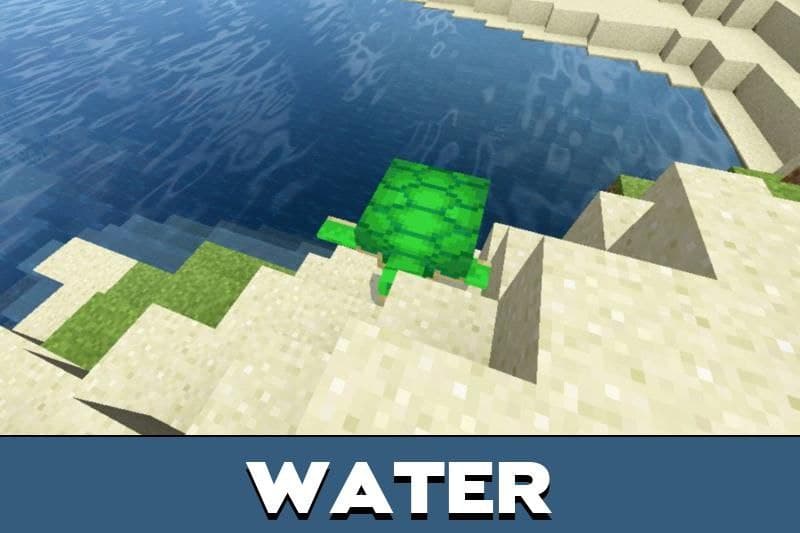
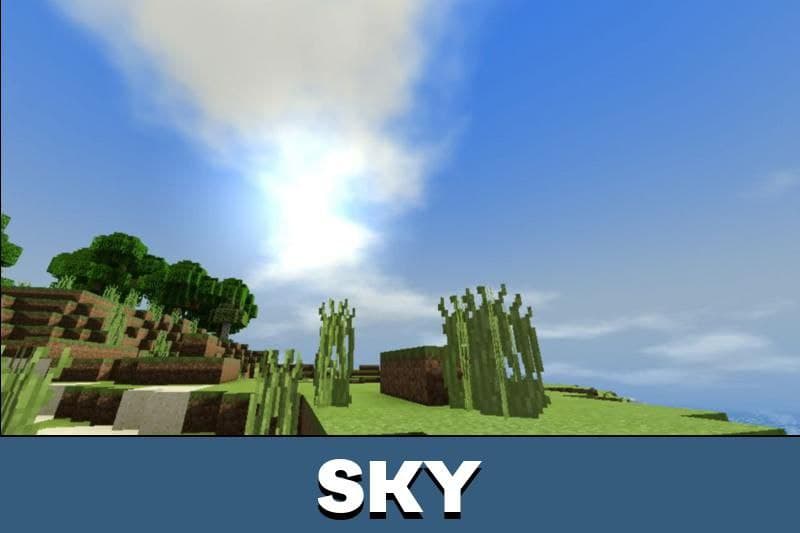
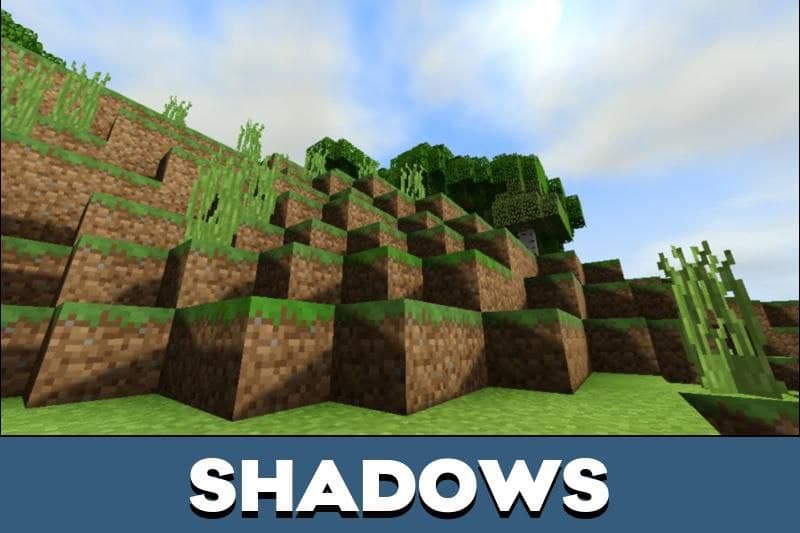
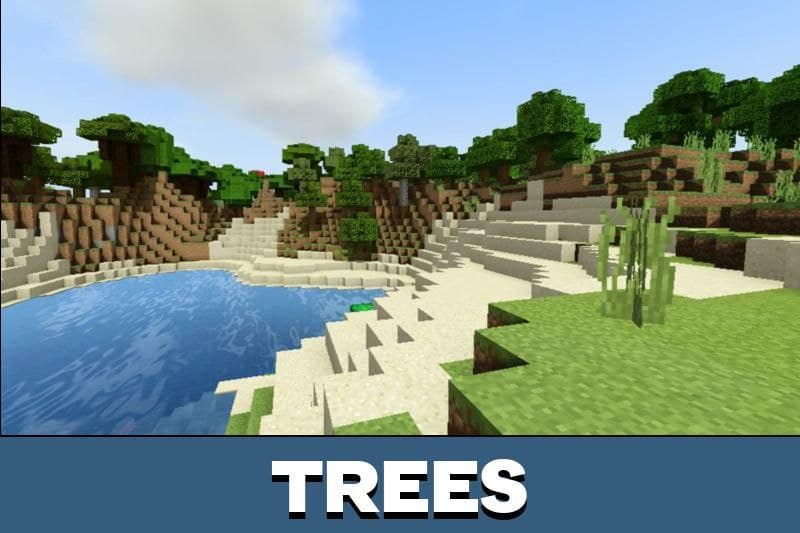
Download ESBE 2G shaders for Minecraft PE, and add bright colors, shadows, realistic light to your game world!
🎮 Minecraft PE Android Mod Installation Tutorial 🎮
✅ Step 1: Download the Mod
- Visit jennymod.net websites Download ESBE 2G Shaders Mods.
- Download the mod file in .mcpack,.mcworld, .mcaddon, or .zip
🔧 Step 2: Open with ZArchiver
- Open ZArchiver and go to the “Download” folder.
- Select the .mcpack,.mcaddon, or..mcworld file
- Click Share andMinecraft.
🚀 Step 3: Import to Minecraft
- Minecraft will automatically open and impo
- Wait for the “Import Successful” message.
📂 Step 4: Enable the Mod in Minecraft
- Go to Play > Create New > Create New World.
- Scroll down to Resource Packs orBehavior Packs.
- Select the mod and tap the + button to a
- Enable Experimental Gameplay (so
- Tap Create to
🎮 How to Install Minecraft PE Mods/Addons for iOS (iPhone/iPad) 🎮
✅ Step 1: Download the Mod
- Visit jennymod.net websites Download ESBE 2G Shaders Mods.
- Download the mod file in .mcpack,.mcworld, .mcaddon, or .zip
🔧 Step 2: Open the Files App
- Open the Files app (built-in on iOS).
- Go to the “Downloads” folder.
📤 Step 3: Share to Minecraft
- Select the .mcpack, .mcaddon, or .mcworld file.
- Tap Share > Minecraft.
- Minecraft will open and show “Import Started…” ✅
- Wait for “Successfully Imported!” 🎉
🎮 Step 4: Activate the Mod in Minecraft
- Open Minecraft PE.
- Tap Play > Create New > Create New World.
- Scroll down to Resource Packs orBehavior Packs.
- Select the mod and tap + to activate it.
- Enable “Experimental Gameplay” if needed. 6
- Tap Create to enter the