
Fallout Texture Pack
MCPE 1.1.0 - 1.21.93
Download links
6
🎮 Minecraft PE Android Mod Installation Tutorial 🎮✅ Step 1: Download the Mod
- Download Fallout Texture Pack.
- Download the mod file in .mcpack,.mcworld, .mcaddon, or .zip
🔧 Step 2: Open with ZArchiver
- Open ZArchiver and go to the “Download” folder.
- Select the .mcpack,.mcaddon, or..mcworld file
- Click Share andMinecraft.
🚀 Step 3: Import to Minecraft
- Minecraft will automatically open and impo
- Wait for the “Import Successful” message.
📂 Step 4: Enable the Mod in Minecraft
- Go to Play > Create New > Create New World.
- Scroll down to Resource Packs orBehavior Packs.
- Select the mod and tap the + button to a
- Enable Experimental Gameplay
- Tap Create to
🎮 How to Install Minecraft PE Mods/Addons for iOS (iPhone/iPad) 🎮
✅ Step 1: Download the Mod
- Visit jennymod.net websites Download Fallout Texture Pack.
- Download the mod file in .mcpack,.mcworld, .mcaddon, or .zip
🔧 Step 2: Open the Files App
- Open the Files app (built-in on iOS).
- Go to the “Downloads” folder.
📤 Step 3: Share to Minecraft
- Select the .mcpack, .mcaddon, or .mcworld file.
- Tap Share > Minecraft.
- Minecraft will open and show “Import Started…” ✅
- Wait for “Successfully Imported!” 🎉
🎮 Step 4: Activate the Mod in Minecraft
- Open Minecraft PE.
- Tap Play > Create New > Create New World.
- Scroll down to Resource Packs orBehavior Packs.
- Select the mod and tap + to activate it.
- Enable “Experimental Gameplay” if needed. 6
- Tap Create to enter the
Report this app
Images
Description
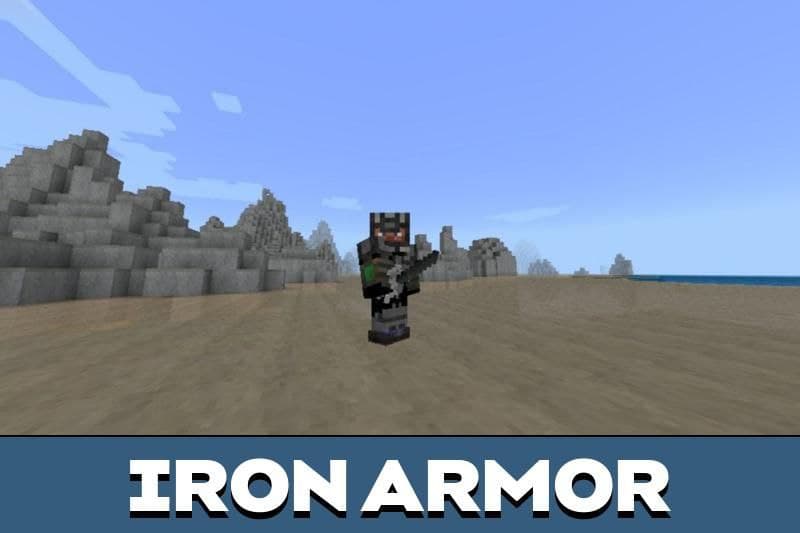
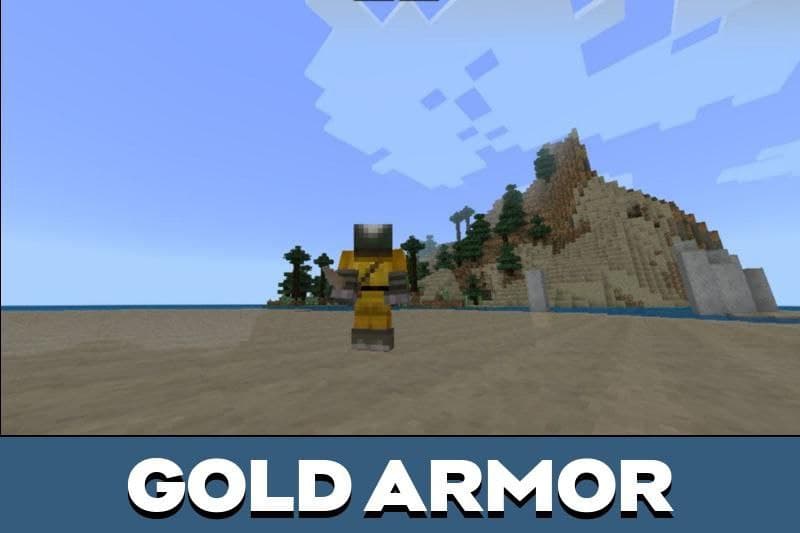
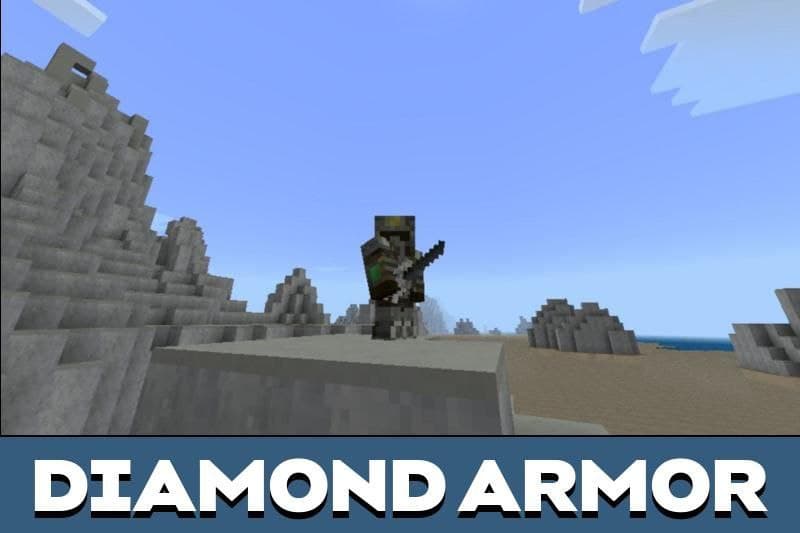
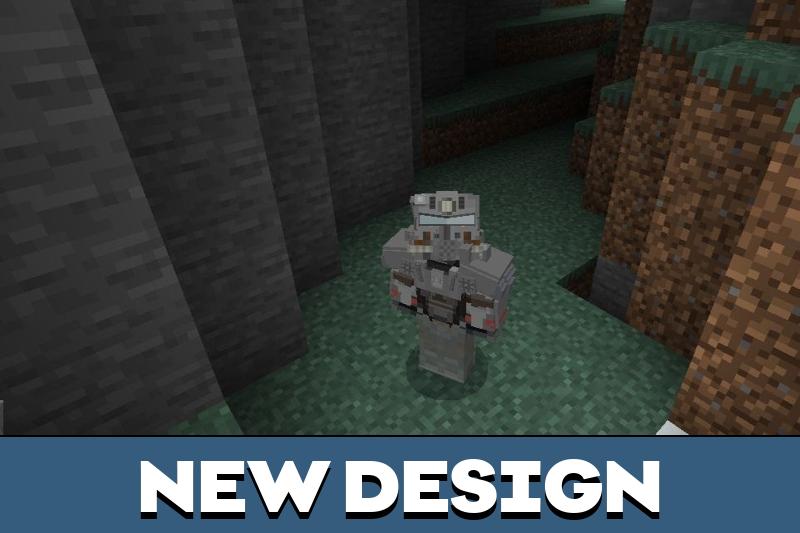
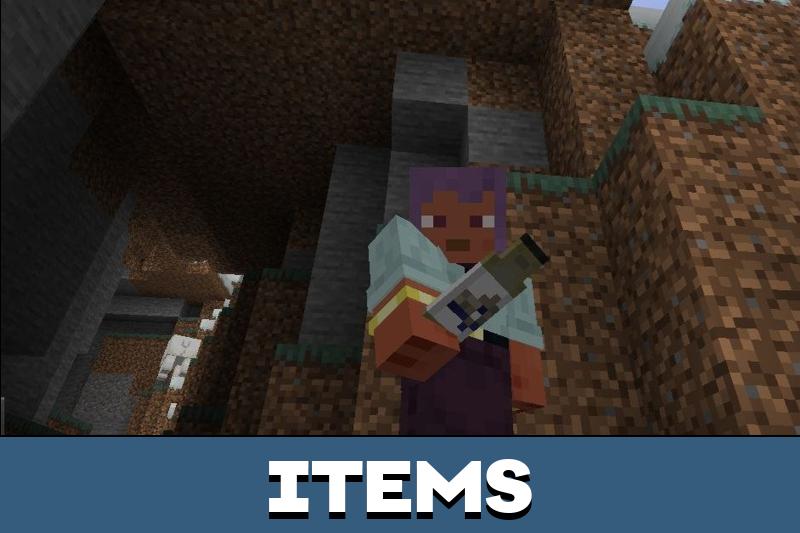
Download Fallout Texture Pack for Minecraft PE, and add many variants of armor, dark colors, and some apocalyptic atmosphere to your game world!
🎮 Minecraft PE Android Mod Installation Tutorial 🎮
✅ Step 1: Download the Mod
- Visit jennymod.net websites Download Fallout Texture Pack Mods.
- Download the mod file in .mcpack,.mcworld, .mcaddon, or .zip
🔧 Step 2: Open with ZArchiver
- Open ZArchiver and go to the “Download” folder.
- Select the .mcpack,.mcaddon, or..mcworld file
- Click Share andMinecraft.
🚀 Step 3: Import to Minecraft
- Minecraft will automatically open and impo
- Wait for the “Import Successful” message.
📂 Step 4: Enable the Mod in Minecraft
- Go to Play > Create New > Create New World.
- Scroll down to Resource Packs orBehavior Packs.
- Select the mod and tap the + button to a
- Enable Experimental Gameplay (so
- Tap Create to
🎮 How to Install Minecraft PE Mods/Addons for iOS (iPhone/iPad) 🎮
✅ Step 1: Download the Mod
- Visit jennymod.net websites Download Fallout Texture Pack Mods.
- Download the mod file in .mcpack,.mcworld, .mcaddon, or .zip
🔧 Step 2: Open the Files App
- Open the Files app (built-in on iOS).
- Go to the “Downloads” folder.
📤 Step 3: Share to Minecraft
- Select the .mcpack, .mcaddon, or .mcworld file.
- Tap Share > Minecraft.
- Minecraft will open and show “Import Started…” ✅
- Wait for “Successfully Imported!” 🎉
🎮 Step 4: Activate the Mod in Minecraft
- Open Minecraft PE.
- Tap Play > Create New > Create New World.
- Scroll down to Resource Packs orBehavior Packs.
- Select the mod and tap + to activate it.
- Enable “Experimental Gameplay” if needed. 6
- Tap Create to enter the