
how to open .mcaddon file
Description
In the Mods category, players can explore a variety of addons for Minecraft Pocket Edition (MCPE). Let’s use the jenny mod minecraft bedrock as an example to guide you through the installation process:
Step 1: Download the Mod File
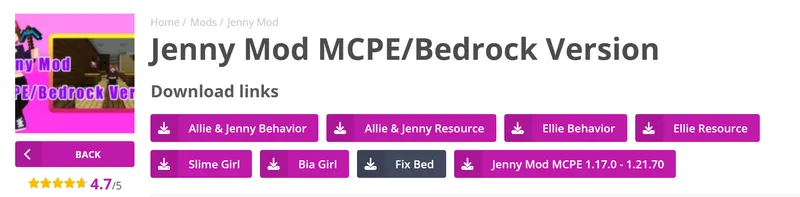
First, download the jenny mod minecraft bedrock.mcaddon file. Typically, this mod comes as a single .mcaddon file. If there are two .mcpack files instead, you’ll need to handle them separately.
Step 2: Import the File into Minecraft PE


Open the downloaded .mcaddon file in Minecraft Bedrock Edition. If the mod includes two .mcpack files (one for behavior and one for resources), open them one by one in the game.
Step 3: Enable Behavior and Resource Packs
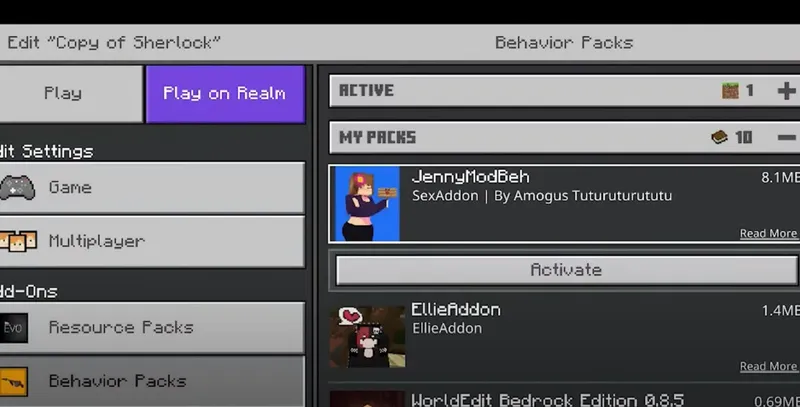
Once the files are imported, go to the settings in Minecraft Pocket Edition. Navigate to the “Global Resources” or “Storage” section and activate both the behavior pack and the resource pack for the jenny mod minecraft bedrock.
Step 4: Activate the Mod in Your World
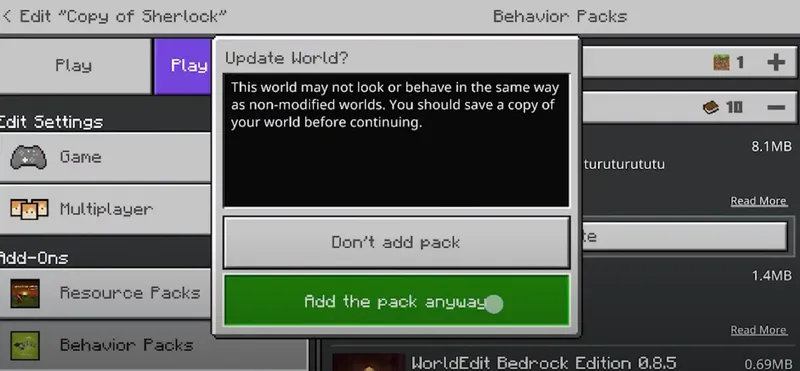
After enabling the packs, open the world where you want to use the mod. Go to the world settings, find the jenny mod minecraft bedrock under the “Available” section, and activate it.
Step 5: Enable Experimental Features
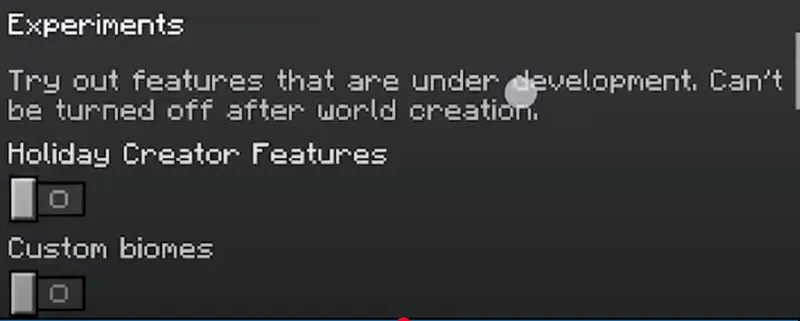
Finally, ensure that the Experimental Gameplay mode is turned on in your world settings. This step is crucial for the mod to function properly.
By following these steps, you’ll be able to successfully install and use the jenny mod minecraft bedrock in Minecraft PE. Enjoy your enhanced gameplay!
Cool and nice
yeah, but why is the ed invisible